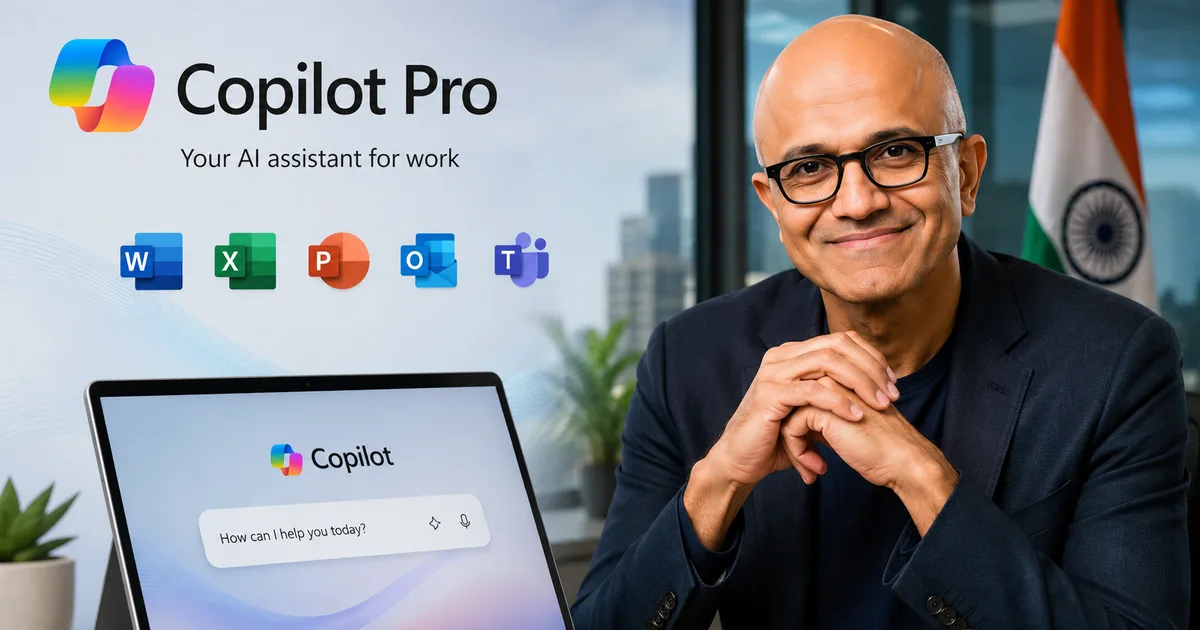
So, the Microsoft Copilot Pro 2026 India update is finally here. I've spent the last few days digging through what Satya Nadella and the team actually announced for Office 365 users in India. Honestly, it's a mixed bag of genuinely useful features and some confusing pricing structures that you need to watch out for.
Look, we all know Microsoft has been pushing AI hard for the last three years.
They just opened a massive new datacenter region right here in India. (Which makes sense, actually). This new infrastructure is specifically designed to power the AI economy and support what they call Frontier Firms. But as someone who uses these AI Tools & Software daily, I wanted to know if this update actually helps. Or if it's just another heavy subscription fee on my monthly credit card bill.
What Satya Nadella actually changed in Copilot Pro
The biggest shift is how deeply Copilot now integrates with the apps you already use. Word, Excel, Teams, and PowerPoint are getting some heavy upgrades. In my experience, it feels less like a separate chatbot window and more like a tool built directly into the menus. You open a blank document, and it's right there waiting for instructions.
In Microsoft Word, the 2026 update brings a much better understanding of context. Before, if you asked it to rewrite a paragraph, it would often lose the tone of the rest of your document. Now, it reads the entire file before making suggestions. It can match your specific writing style. And in Excel, the improvements are even more noticeable. You can ask it to find outliers in your sales data, and it'll automatically generate the formulas and highlight the weird numbers. For anyone who hates writing complex VLOOKUPs, this is a massive time saver.
But it hasn't been smooth sailing at all.
Just last week on August 31, Microsoft 365 had a major outage. It took down Copilot prompts, Teams, SharePoint, and OneDrive for almost two days. I was trying to pull up a summary of a meeting and the system just hung there.
"Microsoft has restored much of Exchange Online mail flow but continues working to fix search and other issues affecting Teams, SharePoint, OneDrive and Copilot."
That's the reality of relying entirely on cloud-based AI. When the server goes down, your fancy new assistant stops working. (I know, bad timing for a massive product push).
When it does work, it works really well. The new Microsoft Edge update is a game changer. It now allows Copilot to access your open tabs directly. This means you can have a massive 50-page PDF open in one tab and ask Copilot to summarize it in the sidebar. You don't have to upload anything or copy and paste text anymore. They also introduced a Journeys mode in English. This groups your research sessions together so you can pick up exactly where you left off yesterday.
Thing is, Satya Nadella is putting an insane amount of pressure on this product. He recently handed the responsibility of fixing and improving the Copilot AI assistant to a 33-year-old executive. That tells me Microsoft knows they need fresh, aggressive ideas to compete. They're feeling the heat from things like the Claude AI Desktop App 2026 India Rollout: Step-by-Step Download Guide and New Features Explained.
The billing shock and new token caps for Indian users
Here's where things get tricky for Indian businesses and freelancers. Earlier this year, a lot of companies got hit with what people in the industry call billing shock. Copilot can get expensive fast if you have a lot of employees running heavy queries. Every single prompt costs processing power.
Because of this massive backlash, the 2026 update introduces some desperately needed guardrails. We're finally getting hard meters and usage caps. You can now set strict limits on how much your team uses the AI on a daily basis.
- Daily token limits for individual employees to stop overuse.
- Dashboard tracking to see exactly who is burning through your monthly budget.
- Automatic alerts when your entire organization reaches 80% of your AI allowance.
- Suggestions on how to write shorter, more efficient prompts to save money.
If you run a small agency in Bengaluru or Delhi, you absolutely need to set these caps up on day one. I'm entirely serious. Otherwise, your cloud bill will completely ruin your monthly margins. It's very easy for an employee to run a hundred queries trying to generate the perfect image for a presentation, completely unaware that each generation costs money.
New hardware and the AI PC push in the Indian market
You can't really talk about Copilot without talking about the hardware required to run it smoothly. Microsoft is pushing the AI PC concept harder than ever. Just look at the new Acer Swift Neo AI laptop that launched in India recently for ₹67,999. It comes with Intel Core Ultra processors and a built-in Intel AI Boost unit specifically designed to run local machine learning tasks.
I tested one out at a local electronics store in Mumbai. The speed difference when running local AI tasks compared to a cloud-only query is very noticeable. I'm not sure exactly why, but there's almost zero lag when you ask it to generate an image or rewrite a paragraph.
But do you need a ₹67,999 laptop just to draft emails in Outlook? Probably not.
If you have a decent machine from the last two years, it'll handle the cloud-based Copilot features just fine. If you're curious about writing emails faster without buying new hardware, you might want to read our guide on Microsoft Copilot AI in Outlook 365: How to Draft Emails Faster in 2026.
Comparing Copilot Pro to the competition right now
Copilot sits in a very weird spot compared to the competition. We have ChatGPT fighting for the same Indian users. Gemini and Claude are in the mix too. Let's break down how the Microsoft offering actually compares in daily use.
| Feature | Microsoft Copilot Pro | ChatGPT Plus |
|---|---|---|
| Office 365 Integration | Excellent (Native in Word, Excel, PPT) | None directly |
| Ad-Free Experience | Yes for Pro users | Yes (Free users now see ads in India) |
| Web Browsing | Deep Edge browser integration | Standard web search only |
| Enterprise Controls | Advanced token caps and meters | Basic team management |
I find it incredibly interesting that OpenAI is now rolling out ads to free ChatGPT users in India. The free ride is over. Copilot and Google's AI Overviews already have ads in their free versions. If you want a clean, ad-free experience while working on important documents, you have to pay the premium subscription fee. There's simply no way around it anymore.
New features for developers and enterprise security
At the recent Microsoft Build 2026 conference, the company doubled down on their proprietary AI models. They want to control every single layer of the AI stack. But the announcement that actually caught my eye was the new cost-saving AI model for cybersecurity.
If you manage IT for a company, you already know how ridiculously expensive security tools are. Microsoft claims this new model will help Indian companies drastically reduce their cybersecurity spending. They say it catches threats early. I'm not 100% sure the numbers here are accurate, honestly. But it's a step in the right direction.
The integration with upcoming Windows enhancements also means IT admins have way more control over how AI behaves on company-owned devices. You can restrict Copilot from accessing sensitive local files, or force it to only search the web. This level of control is something Indian IT services companies have been begging for since last year.
My honest verdict on the 2026 update
So, should you actually buy into the Microsoft Copilot Pro 2026 India update?
If you live inside Excel and Word all day, yes. Absolutely. The time you save formatting messy presentations and writing repetitive weekly reports will easily pay for the subscription cost. The new Edge tab access alone is worth trying out if you do a lot of research.
But if you just want a smart chatbot to answer random questions or write occasional emails, stick to the free versions. You don't need to pay premium Office 365 prices for basic web searches and simple text generation.
I suggest trying it for a single month. See if it actually saves you an hour a day. Measure it. If it doesn't make a noticeable difference in your workflow, cancel it immediately. Keep an eye on our Latest Tech News section if you want to track these fast-moving tech changes.