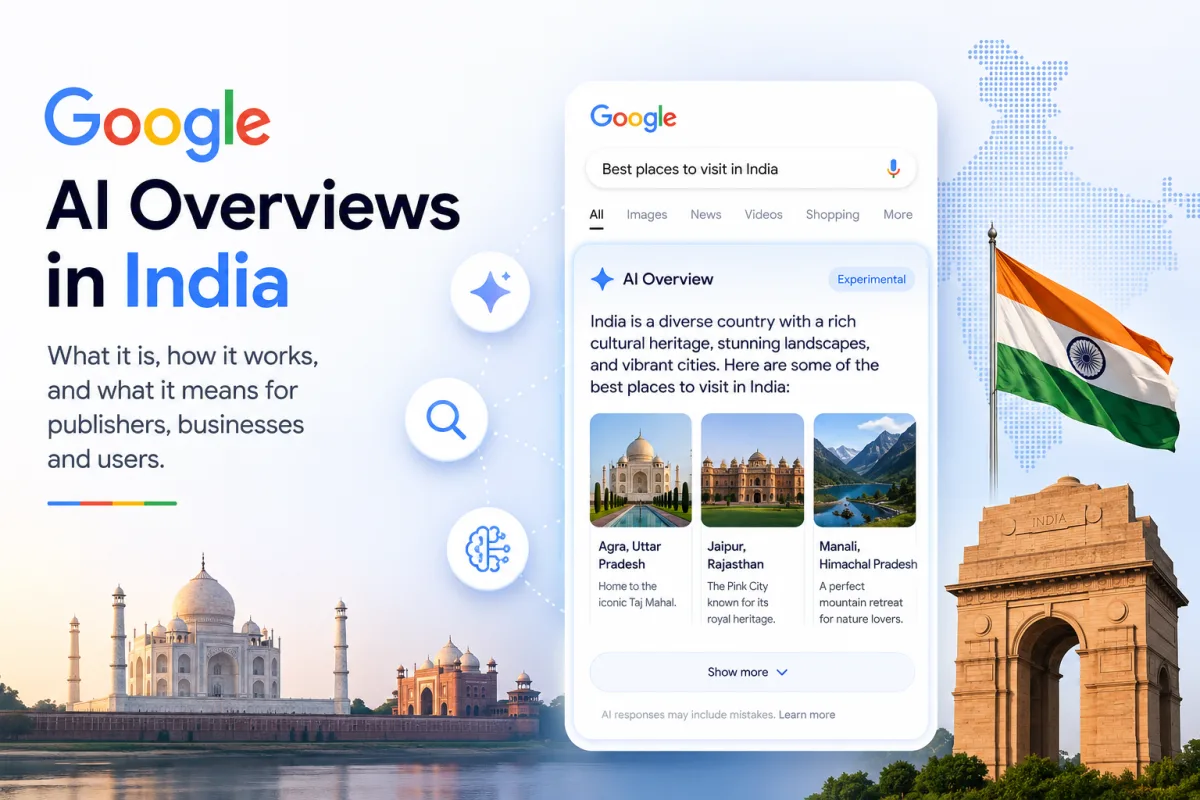
Google AI Overviews are AI-generated summaries that appear at the very top of Google search results. Instead of just showing you a list of website links, Google now uses artificial intelligence to read multiple sources and give you a direct answer — right there on the search page.
How Do Google AI Overviews Work?
When you search for something informational like "what is UPI" or "how does 5G work", Google's AI (powered by Gemini) reads through dozens of web pages and creates a short, easy-to-understand summary. This summary appears in a highlighted box above the regular blue links.
The AI Overview typically includes:
- A direct answer to your question in 2–4 sentences
- Key points or steps if relevant
- Links to the source websites it used
When Did AI Overviews Launch in India?
Google started testing AI Overviews in India in late 2024. As of 2026, they appear for most English and Hindi informational queries. Support for Tamil, Telugu, and Marathi is expanding.
What Queries Trigger AI Overviews?
AI Overviews appear most often for:
- "What is..." questions (explainers)
- "How to..." queries (guides)
- Comparison queries ("X vs Y")
- Health and science questions
They rarely appear for shopping searches, local business queries, or very recent breaking news.
Are AI Overviews Reliable?
AI Overviews are generally accurate for well-established facts, but they can make errors. Google's AI sometimes misinterprets sources or presents outdated information. For important decisions (medical, financial, legal), always click through to verify from official sources.
What Does This Mean for Indian Users?
For everyday Indian internet users, AI Overviews mean faster answers. You don't need to open 5 different websites to understand a concept. However, you should still be aware that AI-generated answers are not always 100% correct — especially for rapidly changing topics like government schemes or new technology launches.
How to See Regular Results Instead
If you prefer traditional search results:
- Scroll past the AI Overview box to see regular links
- Click the "Web" tab/filter to see only traditional results
- Add specific keywords to narrow your search