So, Google just dropped another round of updates. Honestly, keeping track of Android updates these days is a full-time job. We used to wait all year for a massive OS upgrade that changed everything. Now? Google casually pushes out a bunch of tools on a random Tuesday.
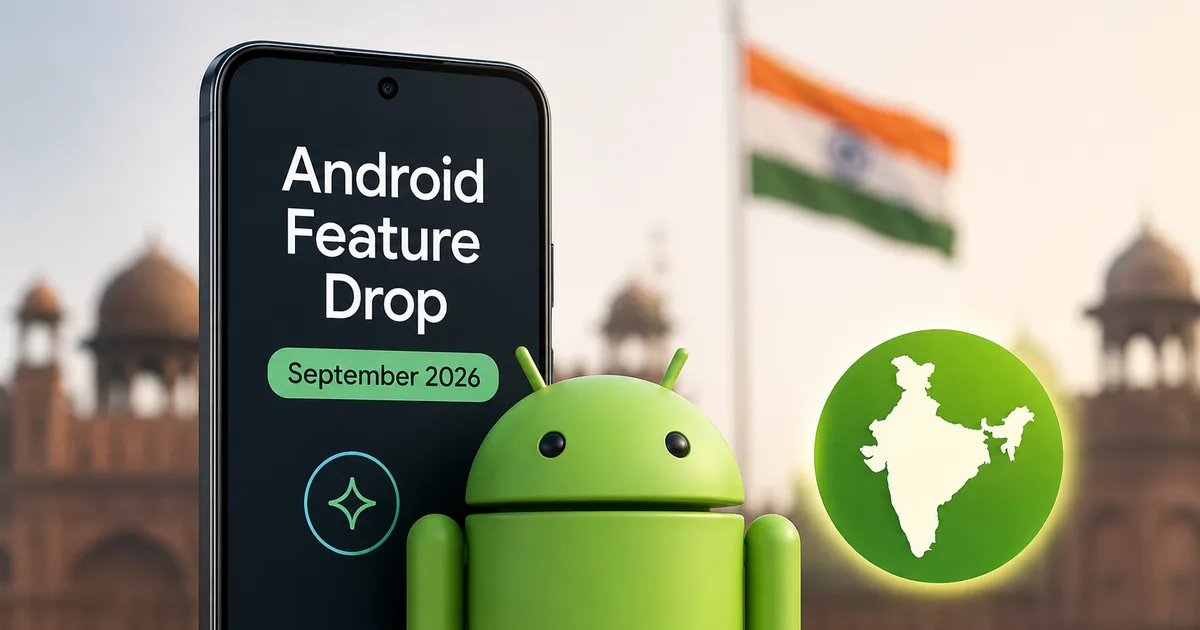
This brings us to Google's September 2026 Android Feature Drop. And I have to say, this one is actually pretty good. It isn't just minor bug fixes. Or weird UI changes nobody asked for. They're adding five distinct features that solve real everyday annoyances. From an AI that remembers where you hid your passport to a screen overlay that might stop you from throwing up in the back of an Uber, there's a lot to unpack here.
I've read through the update logs and tested what's available to see what this means for Indian users specifically.
Find Hub remembered: Gemini tracks your un-trackable stuff
We all have those things we put in a "safe place" and then completely forget about three months later. Passports. Spare keys. You don't put Bluetooth tracker tags on these things.
Google knows this. So, they're turning Gemini into a digital memory bank. The new feature is called Find Hub Remembered.
Here's how it works. You hold your phone and say, "Hey Google, remember in Find Hub that I put my passport in the bottom drawer of the wooden almirah." Gemini logs that exact location in a new "Remembered" tab inside the Find Hub app. You can even snap a photo of the drawer and attach it.
Months later when you're panicking before a flight, you just ask Gemini where your passport is. And it tells you.
Think about the festive season. You buy gifts weeks in advance and hide them. By the time Diwali rolls around, you've forgotten where half of them are. Now you can just tell Gemini, "Hey Google, remember I hid the silver coins for Diwali behind the winter blankets in the top shelf." It sounds a bit silly saying it out loud. But the utility is undeniable (which makes sense, actually). The fact that you can add a photo is a smart touch. Sometimes a visual cue is better than text. It's a solid step up from just using your phone to find your misplaced earbuds.
I think this is brilliant. It's a simple, highly practical use of AI. But there's a catch. This feature is restricted to phones running Android 16 or higher. If you're holding onto a phone from three years ago, you're out of luck for now.
Also, it's only rolling out in regions where Gemini is fully supported. We've seen a huge push for Gemini in India recently. If you're curious about the costs for the advanced tiers, you can read more about the Google Gemini AI 2026 Update: India features and pricing. For this specific Find Hub feature, the standard free version of Gemini seems to be all you need.
Motion assist: A cure for the Indian commute?
If you live in Mumbai or Delhi, you spend a ridiculous amount of your life in traffic. You try to read articles on your phone or reply to emails while sitting in the back of a bouncing auto-rickshaw. And within ten minutes, you feel completely sick. Motion sickness is awful.
Google claims they have a software fix for this. They call it Motion Assist.
When you're in a moving vehicle, Android will overlay subtle moving dots across the edges of your screen. These dots move in sync with the physical movement of the car. If the car turns left, the dots shift right.
Google notes that Motion Assist is "designed to help bridge the gap between what your eyes see and the movement of your ride."
The science behind this is about tricking your brain. Motion sickness happens because your eyes are looking at a static screen, but your inner ear feels the car moving. Your brain gets confused. By adding visual movement to the screen that matches the physical movement of the vehicle, your brain supposedly stops fighting itself.
You can customize the whole thing. You can change the shape of the dots or adjust their opacity so they aren't distracting. You can even set it to turn on automatically whenever your phone detects you're in a moving vehicle.
Honestly, I'm naturally skeptical of software claiming to fix biological responses. But I'm definitely going to test this on my next cab ride down the Outer Ring Road. Just note, this requires Android 17. So this is strictly for folks with the latest devices. The numbers here are a bit fuzzy about battery drain.
Guided vision: Making the physical world readable
Accessibility features often end up being useful for everyone. Guided Vision is a perfect example. This is an expansion of Gemini Live, and it's designed to help you understand what your phone camera is seeing.
Imagine you're in a dimly lit restaurant trying to read a menu with tiny print. Or you're looking at the back of a biscuit packet trying to figure out if it contains palm oil. You open Gemini Live and point your camera at it.
Gemini will give you verbal descriptions of what is in front of you. But the clever part is the voice feedback. If you aren't holding the camera right, Gemini will actually tell you how to move. It'll say things like, "Move the camera slightly to the left," or "Pull back a bit to center the text."
Once the camera is lined up, it reads the fine print for you.
You can trigger this quickly through Android Accessibility shortcuts or the TalkBack menu.
What I love about this rollout is that Google isn't restricting it to brand new flagship phones. Guided Vision is coming to devices running Android 9 and up. That's a massive user base in India where millions of people are still using reliable budget phones. We're expecting to see more hardware integration for these AI tools soon, especially with the upcoming Google Pixel 11a India Launch: Specs, Price and AI details starting to leak.
Google Messages turns into a productivity app
WhatsApp completely dominates messaging in India. We all know this. But Google is aggressively pushing RCS and Google Messages as a viable alternative. And they're adding features that WhatsApp frankly should have had years ago.
The biggest addition in this drop is deep integration with Google Keep.
You can now share and update Google Keep lists directly inside a chat in Google Messages. You tap the plus icon next to the text box, select Keep, and drop a list into the conversation. The list appears inline. Everyone in the chat can view it and edit it. You can check off items without ever leaving the messaging app.
Think about a shared family grocery list. Instead of someone typing out a massive message of vegetables to buy and then someone else replying "done" next to tomatoes, you just have a shared checklist right there in the chat. It's incredibly functional.
WhatsApp is the default communication method for almost everything in India. We use it for family groups and talking to local shopkeepers. For Google Messages to compete here, it needs killer features. A shared checklist right inside the chat window is exactly that kind of feature. I can easily see this replacing third-party list apps for families. You don't need to convince your parents to download a new app and create an account. They just open the message you sent them. The friction is zero.
Also, Google is officially rolling out custom Chat Themes. You can set different background wallpapers and text bubble colors for different conversations. If you pick a specific photo for a chat background, the app will automatically extract colors from that photo to tint the message bubbles. It's a nice cosmetic touch (annoying if you hate customization, I know).
If you want to keep up with more updates like this across the software industry, I recommend checking our Latest Tech News section regularly.
The India rollout timeline: When will you get these features?
Software updates are a mess because they never happen all at once. Google uses staged rollouts. Basically, this means the features are turned on gradually over several weeks.
Here's the breakdown of what you need and when to expect it.
- The Google Keep integration in Messages is rolling out right now and you should see it over the next few days.
- Custom Chat Themes are available now for most users.
- The Find Hub Remembered tool is rolling out soon, but requires Android 16 or higher.
- Guided Vision is coming soon and has the broadest compatibility, requiring only Android 9 or higher.
- The Motion Assist feature is rolling out soon and is highly restricted, requiring Android 17 or higher.
If you're wondering why your two-year-old phone isn't getting Find Hub Remembered, it likely comes down to on-device processing capabilities. Some of these AI features need newer neural processing units to function securely. I'm not sure exactly why Google restricts some of this so tightly, but they do. This way they avoid sending all your personal data to the cloud.
Final thoughts: A practical update
Sometimes tech companies release features just to get headlines. This update feels different.
The September 2026 Android Drop focuses on utility. Remembering where you hid a document is useful. Stopping motion sickness is useful. And having a shared grocery list in your texts is useful. There's no confusing metaverse pitch here. There's no forced social network integration.
It's just your phone trying to be slightly more helpful on a daily basis.
In my experience, Indian users are quick to pick up new messaging tricks. But using voice AI to track physical objects is a new behavior. It'll take time. But if it works as advertised, it might actually save me from tearing my house apart looking for my spare bike key next month.
If you're looking for more deep dives into how these kinds of updates affect your daily tech usage, take a look at our Tech Explainers category. We break down the complicated stuff so you don't have to.