The reality of WhatsApp for business in India
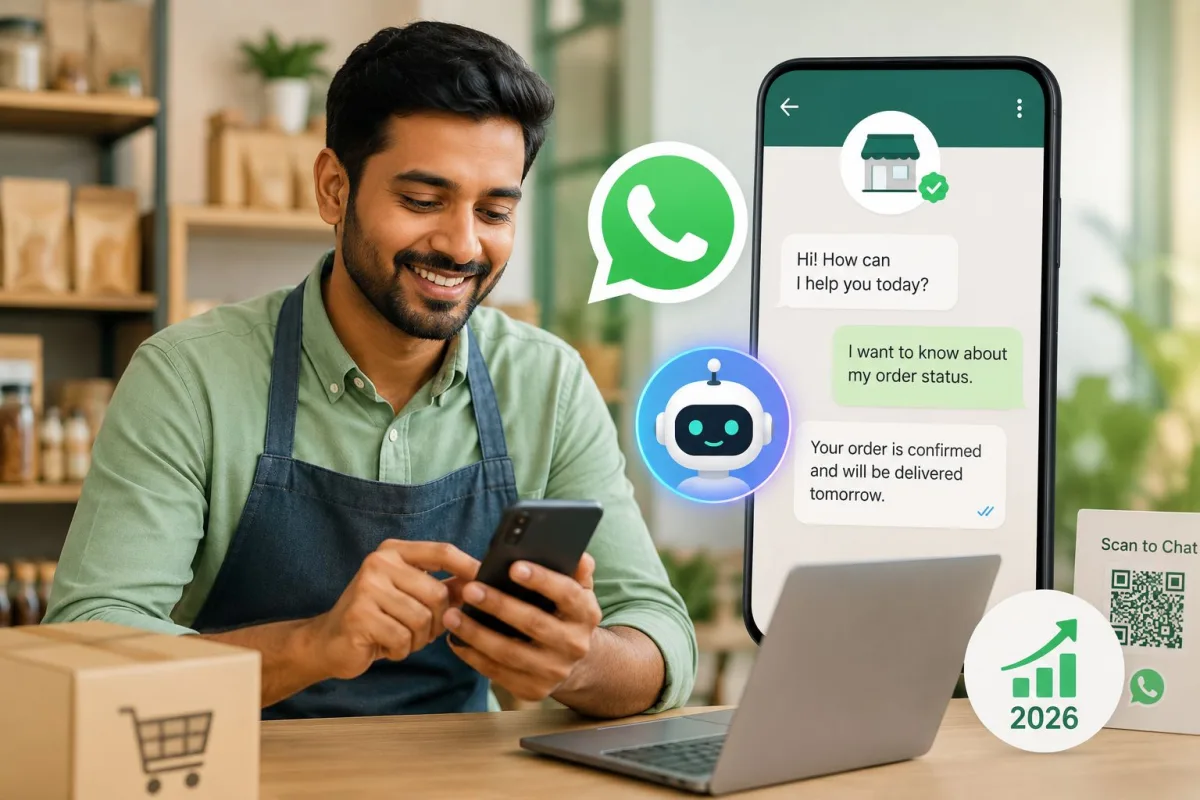
If you run a local business in India, your real website is your WhatsApp number. Customers rarely care about your beautifully designed online store. They just want to text you at 11 PM to ask if a shirt comes in blue. They want to know if your clinic is open on Sunday. Dealing with those repetitive messages takes hours.
Meta AI for Indian small businesses is finally trying to fix this exact headache.
They just rolled out a feature called Business AI this May. It is a built-in tool designed to automate WhatsApp customer support in 2026. You don't need a developer. You don't need any coding knowledge to use it. Basically, it lives right inside the app you already have installed.
I set this up last weekend for a friend who runs a cloud kitchen in Mumbai. We spent an hour testing it. It works mostly well. But before you turn it on and completely ignore your inbox, there are a few technical shifts you need to understand. Meta changed how artificial intelligence operates on its apps recently.
Understanding the move to Muse Spark
In April 2026, Meta quietly replaced its older Llama AI models on WhatsApp. They introduced a new system called Muse Spark, which was a massive backend change for Indian users. The older bots felt robotic. They constantly gave the wrong answers. Muse Spark is different. It understands context better and speaks more naturally.
This matters because of a massive policy shift that happened right before the rollout.
Meta recently blocked external AI tools from operating independently on the WhatsApp Business platform. You can no longer plug a random ChatGPT wrapper into your small business account.
If you try using unauthorized third-party chatbots now, your business account faces a permanent ban. This caused widespread panic earlier this year. The European Commission even warned Meta about forcing users into their proprietary ecosystem. Meta defended the move. They claimed it protects user privacy (which makes sense, actually) and stops spam. I'm not sure exactly why they did it this way. But it happened.
For a shop owner in Delhi or Bangalore, the politics don't matter. The reality is simple. You have to use Meta's native tools now.
How to automate WhatsApp customer support with Business AI
Setting this up is straightforward. You just need the official WhatsApp Business app on your phone. Regular WhatsApp won't work.
Here is exactly how to activate it.
- Open the WhatsApp Business app and tap the three dots in the top right corner.
- Navigate to Business Tools in the menu.
- Scroll down until you see the new AI Support section.
- Tap the toggle switch to enable Business AI.
- Upload your product catalog and business details when prompted.
That last step is where the system gets its brains. The AI is only as smart as the information you feed it.
[Screenshot description: A mobile phone screen showing the WhatsApp Business Tools menu. A green toggle switch labeled "Enable Business AI" is turned on. Below the switch is a large upload button for PDF menus and text documents.]
When a customer messages you, the system reads your catalog and opening hours. It also scans any FAQ documents you uploaded. So if someone asks for the price of a specific cake, Muse Spark finds the item in your uploaded menu and replies naturally. It rarely drops a generic website link. It replies exactly like a human assistant would.
You can still take over the chat at any time. If the AI gets confused, it pauses. It sends you a notification to step in. In my experience, this happens more often than you'd think.
The cost of native WhatsApp automation in INR
Everyone wants to know if this is free. The short answer is yes. But the longer answer involves standard WhatsApp conversation limits.
Enabling the Business AI feature doesn't cost a monthly subscription fee. You don't pay Rs 2000 a month just to keep the bot active. WhatsApp still charges you. But it's based on the volume of conversations you have with customers.
In India, the first 1000 service conversations every month are free. Think of a conversation as a 24-hour window of messaging with one customer. Cross that limit, and you pay standard utility and service rates (annoying, I know). For most small businesses, standard service conversations cost around Rs 0.80 each. Promotional blasts cost roughly Rs 0.88 each.
If your store only gets a few dozen messages a day, you will likely never pay a single rupee. High-volume businesses will see their bills scale predictably. The numbers here are a bit fuzzy, but that is the general idea.
You can read more about managing these costs in our business messaging guides.
Native Business AI vs enterprise chatbots
Because Meta blocked basic third-party AI wrappers, your options are heavily restricted. You either use the free native Business AI on your phone or you pay for an official enterprise partner. Genesys recently announced a major tie-up with Meta to run advanced customer engagement. That's enterprise software. It comes with massive enterprise pricing.
| Feature | Meta Business AI (Native) | Enterprise Partner (e.g., Genesys) |
|---|---|---|
| Target Audience | Local shops, freelancers, small clinics | Large corporations, call centers, banks |
| Pricing | Free to use (standard INR conversation rates apply) | High monthly licensing fees plus usage costs |
| Setup Complexity | Simple app toggle and document upload | Requires IT team and weeks of integration |
| Customization | Basic catalog reading and FAQ matching | Full CRM integration and custom workflows |
For almost every Indian small business, the native app is enough. Don't let sales reps pressure you into buying enterprise licenses you don't need.
Honest limitations you need to know
I like this tool. It saves time. But it's definitely a mess sometimes.
First, there is the language barrier. Meta claims the new AI handles all native Indian languages. In my testing, it reads formal Hindi and Marathi perfectly. But customers don't type in formal language. They use Hinglish. They misspell things terribly. The bot sometimes gets confused by phonetic spellings of regional words. When it fails, it defaults to a polite apology and flags a human agent.
Second, it can't handle complex negotiations. In India, bargaining is practically a sport. If a customer messages your electronics shop asking for "last price", the AI just states the printed catalog price. It can't offer a customized discount to close a sale based on the context of the chat. You still need a human for that.
Audio messages are another massive problem. Indian customers love sending voice notes because typing out a long query takes effort. Hitting the microphone button and speaking in rapid Punjabi or Tamil is much easier. Right now, the AI struggles heavily with these. It usually can't process the audio file fast enough to reply. This is a massive blind spot for rural customer bases. If you ask me, they need to fix this soon.
Finally, you have to keep your data obsessively updated. If you run out of stock on an item but forget to update your WhatsApp catalog, the bot will happily continue accepting orders for it. The resulting customer anger will be your fault entirely.
You should check out our reviews of inventory management tools to keep your stock synced if this worries you.
Handling payments through the AI
The integration with payments is another thing you have to watch closely. WhatsApp allows native UPI payments within the app now. When the bot finalizes an order, it can automatically generate a payment link. The customer clicks the link and enters their UPI PIN. Then the money lands in your bank account.
You don't have to manually verify screenshots of Google Pay receipts anymore. But the AI can't process refunds. If someone pays and immediately cancels their order, you have to handle that transaction manually.
Getting the most out of your setup
Start small. Turn the feature on for weekends first. Let it handle your off-hours traffic. Watch the chat logs carefully to see how it responds to real customers.
You'll quickly notice patterns in the questions it struggles with. When you spot those gaps, update your FAQ document and re-upload it to the app. The AI learns immediately.
Meta keeps pushing new updates for this every few weeks. If you want to track the latest changes, keep an eye on our tech updates section.