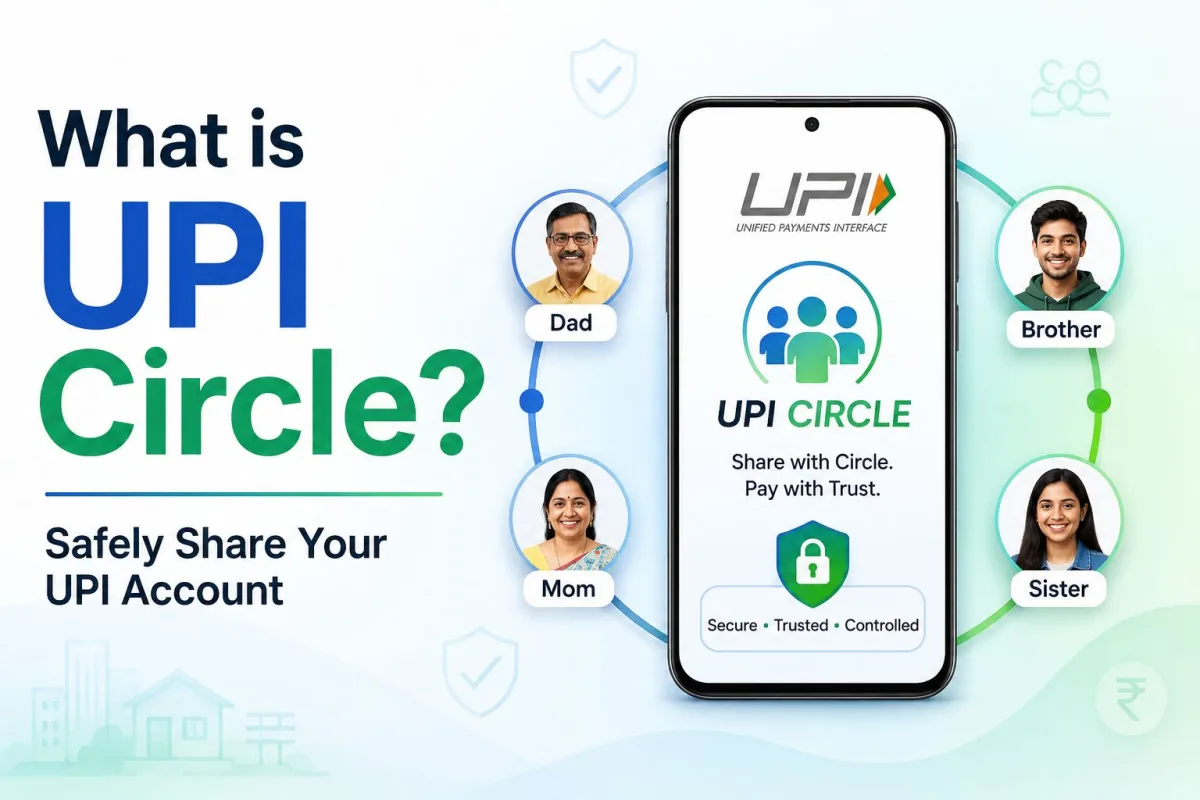
You are sitting in the middle of a busy workday when your phone buzzes. Your elderly mother is at the local pharmacy and needs to pay for her medicines. She has a smartphone but does not have a bank account linked to a digital payment app. You quickly try to transfer money to the pharmacist's number, but the network is slow. We have all been in similar situations. Managing daily digital payments for family members who do not have their own bank accounts is a common headache in Indian households.
People usually solve this by giving their teenagers or parents their six-digit payment PIN. This is a terrible idea for your financial security. Or they keep sending small amounts of money throughout the day. This clutters your bank statement with fifty-rupee transactions for milk, biscuits, and auto rides. If you want to fix this problem, you need to understand what is UPI Circle and how to share your UPI account with family safely.
The National Payments Corporation of India created a specific solution for this exact problem. It removes the need for shared passwords and constant manual transfers. It gives your family the independence to scan and pay while keeping you in complete control of your bank account.
The problem with sharing your payment PIN
Before we look at the solution, we need to understand why the old method is dangerous. When you give your payment PIN to a family member, you give them the keys to your entire bank account. If your teenager accidentally installs a malicious app, or if your parent loses their phone, your life savings are at risk.
Many people also buy a separate SIM card, open a secondary bank account, and maintain a minimum balance just to give their kids an allowance. This requires paperwork, branch visits, and constant tracking. The alternative is handing out cash, which is becoming less practical since even the local vegetable vendor prefers digital payments. You can read more about safe payment habits in our online banking guides.
What is UPI Circle?
UPI Circle is a feature that allows a primary bank account holder to add secondary users to their payment app. Think of it like a supplementary credit card, but for your regular bank account. You connect your family member's phone number to your account. They can then open their own payment app, scan a merchant's QR code, and pay using your money.
The most important detail is that the secondary user does not need a bank account. They only need a smartphone and a registered mobile number. They never see your total bank balance. They never know your secure PIN. They only see the money you allow them to spend.
How the two payment modes work
The system gives you two different ways to manage how your family spends money. You can choose the method that fits your comfort level and the secondary user's age.
Method 1: You approve every payment
This method is called partial delegation. It is perfect for younger children or infrequent payments. Your child goes to the school canteen and scans the merchant code. They enter the amount, say Rs 100, and tap pay. Their app does not ask for a PIN. Instead, it sends a request to your phone.
Your phone lights up with a notification showing the amount and the merchant name. If you agree with the purchase, you enter your PIN on your phone. The payment goes through instantly at the canteen. This gives you total control over every single rupee spent, but it does require you to be available to approve the transaction.
Method 2: Set a monthly limit for independent spending
This method is called full delegation. It works well for college students, spouses, or elderly parents who make daily purchases. You assign a specific monthly limit to the secondary user. The National Payments Corporation of India allows a maximum limit of Rs 15,000 per month for this feature, though you can set it to a lower amount like Rs 2,000.
Once you set the limit, the secondary user can scan codes and make payments on their own. They use their own app passcode to confirm the payment. You do not get an approval request for every single transaction. You just receive a standard SMS notification that a payment was made, and the amount is deducted from their monthly limit. It is an excellent way to automate pocket money or household expenses without losing visibility of where the money goes.
How to set up the feature on your phone
Setting up the feature requires a few steps on both phones. You need your phone, and the family member needs their phone next to you. It works across major platforms including Google Pay, PhonePe, and the BHIM app.
- Open your payment app and find the specific circle or family section in the menu.
- Select the option to add a new member and choose their contact from your phonebook.
- Choose your preferred method. Select either the approval mode or set a monthly limit for independent spending.
- The app will send a request link to your family member's phone number.
- Your family member must open their payment app and accept your invitation.
- You will then verify the connection by entering your PIN one final time to activate the link.
After these steps, the connection is live. The secondary user can immediately start scanning merchant codes. Note that this feature is strictly for paying businesses and merchants via QR codes or direct handles. It cannot be used to transfer money to another person's bank account or send money to friends.
Cross-platform compatibility and new updates
When the system first launched, both users had to use the same application. If you used Google Pay, your father also had to install Google Pay. This created friction for users who preferred different interfaces.
Recent updates have made the system interoperable. This means you can initiate the connection from your Google Pay account, and your teenager can accept and use it on their PhonePe or BHIM app. The underlying technology talks across different platforms smoothly. Companies are also pushing this to other devices. Amazon Pay recently introduced support that allows secondary users to make payments directly from their smartwatches without pulling out their phones.
Tracking expenses and keeping control
One major benefit of this system is financial clarity. When you hand cash to a family member, you rarely know exactly where it goes. With delegated payments, your app generates a separate section in your transaction history. You can open your app at the end of the month and see a clear list of where your child spent their allowance.
This structure brings financial transparency to households while keeping the primary bank account completely isolated from third-party risks.
If you notice unusual spending, you can instantly pause the connection, reduce the monthly limit, or remove the secondary user entirely with one tap. You do not need to call the bank or fill out forms to revoke their access.
Warning signs of delegation scams
Whenever a new financial technology launches, criminals find ways to exploit people who do not understand it fully. Delegation features are no different. You must treat a connection request with the same caution you apply to sharing an OTP.
Fraudsters are using this feature to gain permanent access to victims' bank accounts. You might receive a phone call from someone claiming to be from customer support, your telecom provider, or a courier company. They will invent a story about a pending refund, a blocked package, or a KYC update. They will then ask you to accept a request on your payment app to process the refund. You can learn about similar tactics in our cyber fraud alerts section.
If you accept the request and enter your PIN, you are not receiving money. You are authorising the fraudster as a secondary user with a monthly spending limit. The criminal can then drain funds from your account up to that limit without needing any further approval from you.
- Never accept a connection request from an unknown contact.
- Remember that you only add family members you trust. You never add a merchant, customer care executive, or stranger.
- If you receive a random request in your app, ignore and decline it immediately.
- If you accidentally approve a stranger, go to your app settings immediately, find the connected users list, and remove their access.
If you lose money to such a scam, report it immediately by calling the national cyber helpline at 1930 or filing a complaint on the official cybercrime.gov.in portal. Acting quickly gives your bank a chance to freeze the fraudulent transaction.
Managing household money digitally has always required uncomfortable compromises between security and convenience. This new system finally provides a practical middle ground. You keep your account details private, your family gets the independence they need, and you stop worrying about cash or shared passwords.